Creative Canvas for Little Artists
Review
Creative Canvas for Little Artists stands out for its focus on open-ended creativity. The interface is so intuitive that even very young children can start coloring immediately. The picture library offers good variety, and the brush size control adds a layer of precision for older kids. There are no timers, scores, or wrong choices—just a calm space for artistic expression. It is an excellent tool for developing fine motor skills and color awareness in a relaxed setting.
About This Game
Simple Start, Endless Possibilities
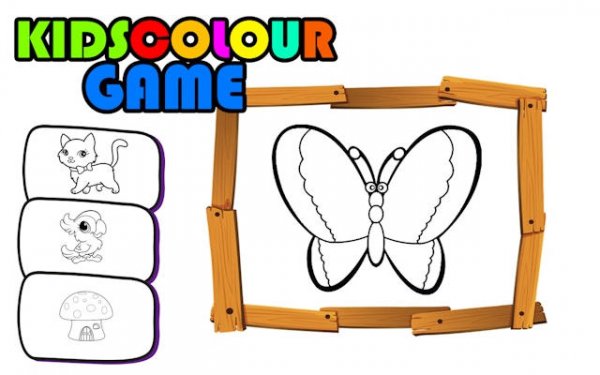
Creative Canvas for Little Artists opens with a clean gallery of picture outlines. Children select any image they like, then pick a color from the palette. A slider adjusts the brush size—large for filling big spaces, small for adding fine details. There are no menus to navigate or settings to configure. The experience is immediate and intuitive.
Building Confidence Through Color
This game encourages children to make their own choices. They can color inside the lines or create bold strokes that break the boundaries. Every finished picture becomes a personal achievement. Over time, kids develop a stronger sense of color harmony and learn to express moods and ideas through their artwork.
Designed for Young Hands
The interface uses large buttons and bright icons that are easy for small fingers to tap. The color palette is arranged simply, with no confusing options. The game runs smoothly on tablets, phones, and computers, so children can play at home or on the go. Parents appreciate that there are no advertisements or external links.
Supporting Development Through Play
Regular use of Creative Canvas for Little Artists helps improve fine motor skills as children learn to control the brush. It also supports early color recognition and pattern awareness. Because there is no right or wrong way to color, kids gain confidence in their own creative decisions. Parents can join in, turning screen time into a shared family activity.








💬 Comments
0 comments